Try this scenario
Class competition: split 24 students into four teams and send them to the scoreboard. Award 5 points per answer with a target of 30. Undo mistakes and personalize team names and colors.
Free to use · No sign-up
Bring your teams and start scoring. Choose names, colors, scoring steps and a target.
Nothing is saved by default. Remember settings and settings exports contain settings only. Use My activities to save scores or timer progress too.
Keeps the latest 1,000 entries and 100 undo steps. Settings exclude scores; export results as CSV.
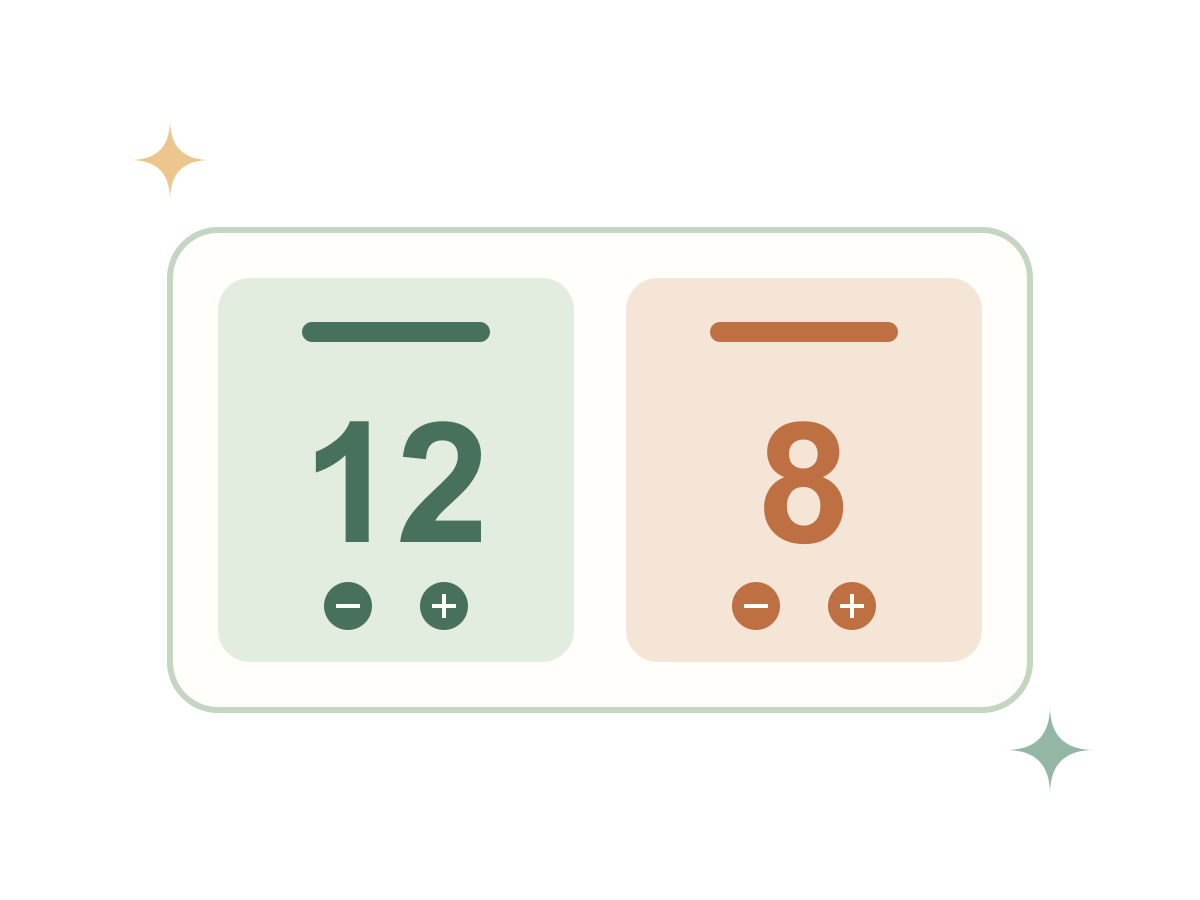
Set up teams and the scoring step, then use + / −. Select a score for direct edits or undo a change. Use full screen for an audience and export CSV results.
Class competition: split 24 students into four teams and send them to the scoreboard. Award 5 points per answer with a target of 30. Undo mistakes and personalize team names and colors.
Settings, members and scores stay in your browser. Transfers use this tab’s sessionStorage, are deleted after use and expire after two hours. There is no cloud sync. Scoreboard and timer settings can optionally be kept in localStorage; turn remembering off or clear tool data to remove them. Data & privacy