How to play
Photo uploads and memory game settings
Make memory cards with photos, illustrations or event artwork. This guide explains uploads, custom card backs and backgrounds, image adjustments and gameplay.
Memorize the card positions during the opening preview. Timing starts only after it ends. Flip two cards at a time. Matching pictures stay visible; mismatches turn over after a short delay.
Rules and timing
Defaults: 6 pairs (12 cards), no time limit, and a 3-second preview. Change pairs, time limits, preview length and mismatch delay in Settings. Each valid card reveal counts as one flip; repeated clicks on the same card do not add flips.
Restart appears only during a game; cancelling restores the previous state. Pausing hides the cards and stops timing. Switching browser tabs pauses automatically; select Resume when you return. At the deadline, time-up takes priority and cards stop responding. Match the last pair before the deadline to win.
Settings and live preview
Settings is organized into Rules, Cards & images, Appearance, Scores and Cloud codes. Start with common options and expand advanced controls only when needed. Cards & images has Card faces, Card backs, and Size & colors sections. Choose Edit image below a pattern to upload a photo. Expand controls to adjust its name, framing, crop or rotation, and check the matching preview. On mobile, use Show preview / Hide preview. Finish with Save & apply.
In the settings panel, Ctrl+Z (Cmd+Z on macOS) undoes the previous setting change. When a text field has focus, it only undoes text input. A slider drag is one step. Save & apply leaves the panel open and ends any active round, returning to the ready screen. Closing an unapplied draft asks whether to discard it.
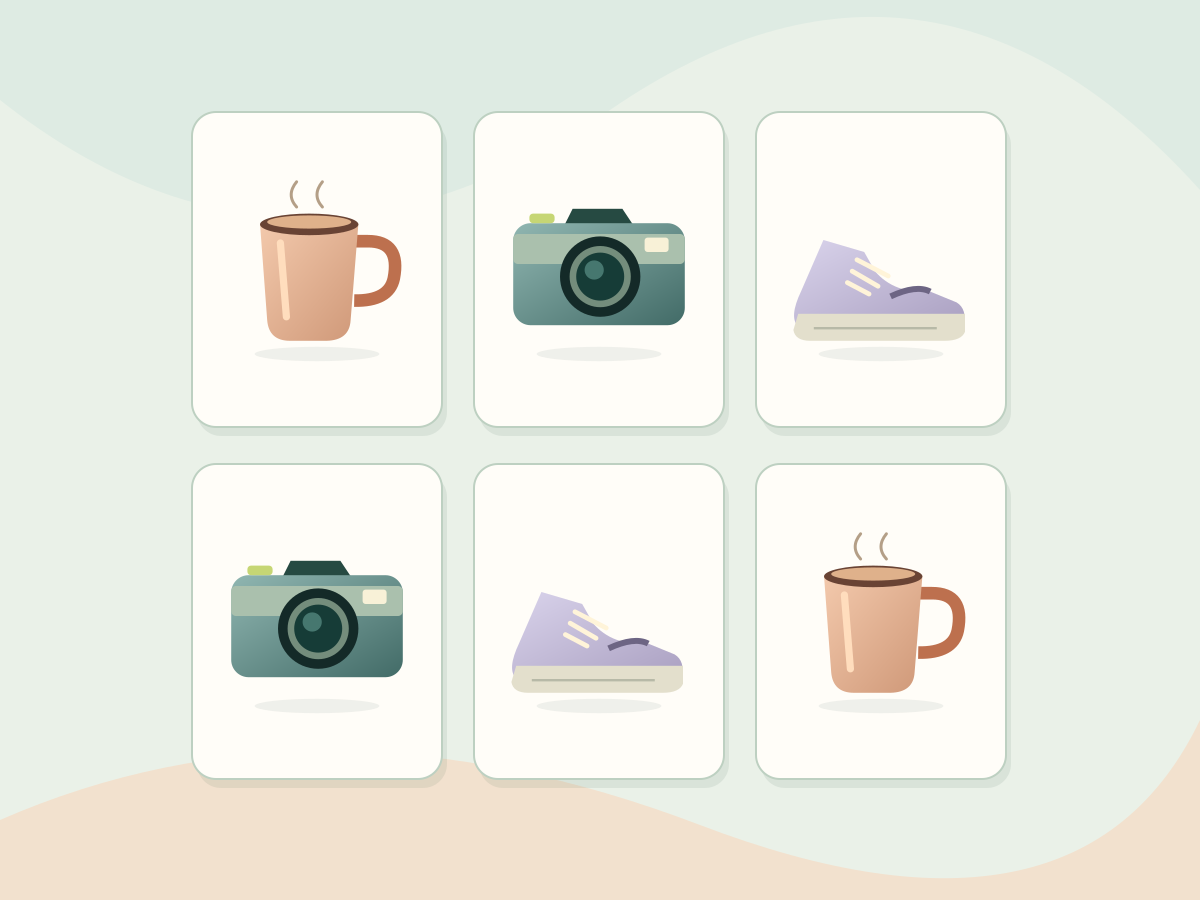
How to make matching cards with your photos
- Open the game page and choose Settings above the board.
- Open Cards & images, choose a slot under Edit card front, then select Choose image to upload your photo.
- Name the image, adjust zoom, position, rotation or crop, and check the preview.
- Select at least 2 images and press Save & apply. Enabled images are randomly chosen for the selected pair count, with two cards per image.
Custom backs, backgrounds and logos
Upload card fronts and backs in Cards & images, and backgrounds or logos in Appearance. PNG, JPG and WebP are supported, up to 10 MiB and 40 megapixels. The browser removes source metadata, converts to WebP and compresses each image to 256 KiB or less. The longest edge is capped at 1536 pixels for backgrounds and 1024 for others. Preview zoom, position, opacity, rotation and cropping live.
Choosing an image saves it only in this browser; Save & apply changes the game. Removing a custom image restores the selected built-in asset. Saving requires IndexedDB permission. Clearing site data removes images, so save a cloud code first if needed.
Numeric codes and cross-device settings
In Cloud codes, select Generate code and complete verification to save the current draft and images: up to 15 images and 4 MiB. Note the 12-digit code and enter it in Cloud codes on another device on this site. Check the loaded preview and select Save & apply. Edited drafts need a new code; old codes are not overwritten.
Profiles expire after 30 days without a successful load or use in room creation or matchmaking, with hourly cleanup. Solo play does not extend retention. Downloaded images stay on your device instead of downloading on each flip. Cloud profiles exclude nicknames, rankings and results; online matches temporarily store the data needed for play.
Anyone with a code can access its settings and images. Use only content you have permission to share; avoid private images. The creating browser can delete a profile under Codes created here. Clearing site data removes deletion credentials. Copies already downloaded elsewhere remain after cloud deletion.
Daily limits per network: 5 saves and 60 retrievals. Site-wide: 100 saves and 2,000 retrievals, plus a total storage cap. If a limit is reached, retry later or the next day; local play is unaffected. Quotas reset at 00:00 UTC (08:00 Taiwan time); failed operations may count. Cloud operations use Cloudflare Turnstile. Cloudflare processes connection information; site rate limiting temporarily stores daily hashed identifiers, not raw IP addresses.
Leaderboard
Play multiple games on the same page with different nicknames. Only completed wins enter the leaderboard, sorted by elapsed milliseconds, flips, then completion time; exact ties keep their original order. Difficulty settings such as card count, timer and library define separate groups. Backgrounds, titles and logos do not affect grouping.
Restarting, opening Settings and toggling fullscreen keep the leaderboard. Refreshing, leaving or reopening the page clears it. Browser tabs are independent and saved history is not added.
Score history and CSV
Score saving is on by default and stores finished games in this browser. The session leaderboard and history saving can be toggled separately. Only selected fields plus required record IDs, full group IDs and rules are retained. Turning off saving does not delete old records.
Up to 500 records are stored only in this browser. Download UTF-8 BOM CSV for Excel, with localized field names and time text (for example, 12s 345ms), plus a numeric millisecond column. Clearing site data, ending private browsing or changing domains can affect storage. Resetting settings does not delete scores; deletion is a separate action.
Keyboard and fullscreen
Use Tab to move focus and Enter or Space to flip cards or activate buttons. Press Esc to close settings or records. Fullscreen focuses on the game; if unsupported, an expanded game view is used. Press the button again or Esc to exit. In solo and PK, use + / − to resize cards and the percentage button to reset. Reduced-motion preferences disable flip animations.
Language and saved data
The site supports Traditional Chinese, English, Japanese and Korean. On your first visit through a general URL, it selects a supported language from your browser preferences; unsupported languages fall back to English. Use the language menu in the header to switch the same page and remember your manual choice in this browser. Opening an English, Japanese or Korean URL directly keeps that language. All four languages share saved settings, images and scores in this browser; custom names are not translated. Switching reloads the page, ends the current game and clears the session leaderboard. Save any unapplied draft first.
Your language choice is saved in this browser. Clearing site data resets it, and the next visit uses browser preferences again. You can still switch languages when storage is blocked, but the choice may not be remembered next time.
Frequently asked questions
Do I need to pay, download or register?
No. The game is free. Open it in a phone, tablet or desktop browser to start matching.
Can I choose the card count and pictures?
Yes. In Settings, choose 2–12 pairs and timed or untimed play. In Cards & images, select built-in or custom pictures. The pair count cannot exceed the number of selected images.
Which image formats can I upload?
PNG, JPG and WebP, up to 10 MiB, 40 megapixels and 20,000 pixels per side. Images are compressed to still WebP files of at most 256 KiB each. Replace fronts, backs, backgrounds and logos independently.
Why does the leaderboard clear on refresh?
The leaderboard covers only the current page session. Score history is saved in this browser by default and is available under Score history. Re-enable saving in Settings if you turned it off. Scores do not sync between devices.
Invitations and matchmaking
Open Two-player match, adjust your settings if needed, then choose Invite a friend or Find an opponent. The nickname is optional. Once both players are in the room, each chooses I’m ready to start. Invitation links belong to one room only; create a new room if it is full or has waited more than 3 minutes.
Both players use the same settings and take turns flipping two cards. A pair earns one point and another turn; a miss passes the turn. Turns last 20 seconds. Missing two consecutive turns ends the match. Reconnect in the original tab within 30 seconds. Matches last up to 10 minutes.
Matches share your nickname, settings and custom images with your opponent. Cloud code size and retention limits apply to custom images. Your solo settings are not overwritten by your opponent’s settings.
Setup and matchmaking rules
Choose Adjust settings to change pairs, preview time, photos and layout. Save and apply updates the setup summary and your solo settings. Settings lock when you create a room or start matchmaking; cancel matchmaking or leave the room before editing. Invitations use the host’s settings.
Matchmaking uses the first waiting player’s settings. Both players review the rules and get ready to start. An opponent’s settings apply only to that battle and never overwrite your personal settings.
Rematch the same opponent
After a completed game, you have 60 seconds to request a rematch with the same opponent. Both must agree. Settings stay the same, cards reshuffle, scores reset and the first player is randomly chosen again. The configured preview runs again. If an opponent leaves or the room or session expires, return to setup for a new invite or match.
Card size and match cues
Solo and PK modes have +/− card size buttons; press the percentage to reset. PK fits larger cards to your view. Scroll within the board after zooming; your opponent’s view and saved settings are unchanged.
A is blue and B is orange on both screens. Only matched pairs keep a player badge; unmatched cards keep no flip history. Turns, results, rematch requests and departures appear on the board. Finding an opponent and starting a game have distinct sounds, controlled by the sound setting.
Music and result effects
Upbeat music plays during solo games and while waiting or playing in PK. The Sound: on/off button at the top of either mode controls music, card sounds and alerts together, and remembers your choice in this browser. Music softens during sound effects. Audio continues when you switch tabs or windows; solo games still pause automatically, so choose Resume when you return. Music stops when a solo round ends, you leave PK or close the game page. PK wins, draws and losses have distinct effects; reduced-motion mode keeps static results.
Play a memory game